4 min read
PROGRAMMING
I Built A Portfolio Website (With no frameworks)
Written byBlessing
Building a fully working graphic design portfolio with no frameworks (plus adding an interesting feature)
This is not a technical post. That may come later. This is just a documentation of the tools used, the entire process, and the interesting features incorporated.
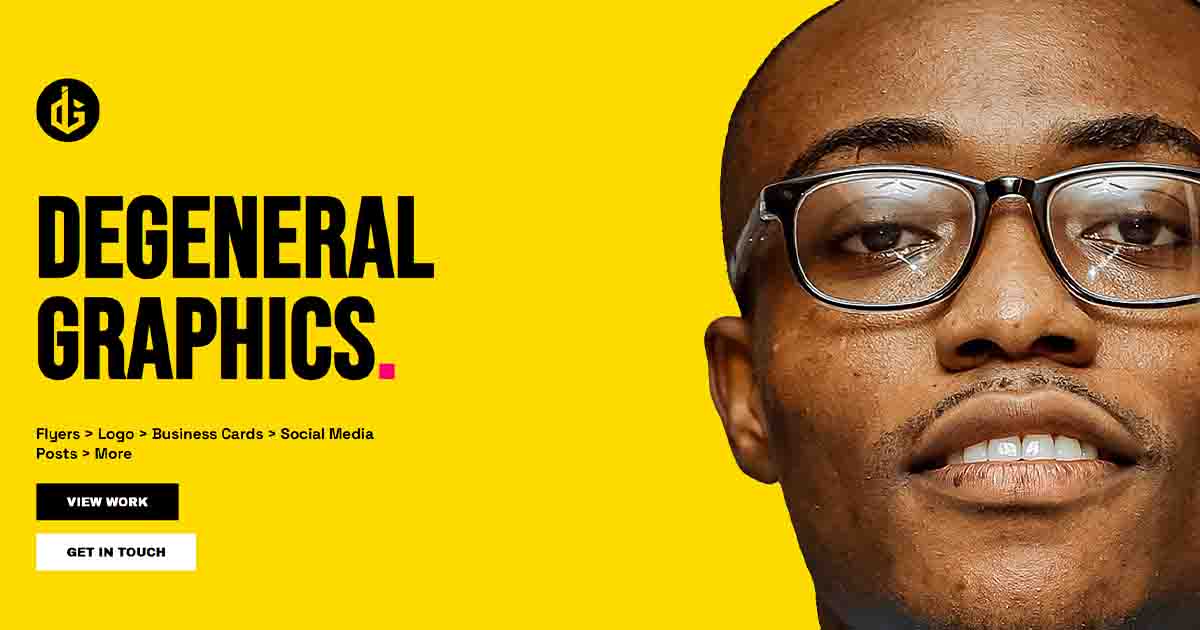
First off was the UI design. I wanted something that stood out, looked like a Designer's Portfolio, and just... worked. Being a designer myself, I toyed with the idea of creating it myself but I did not have that much time on my hands. Instead, I asked Claude for a base template design. It looked good so I used it and created the other pages.
Prior this, I asked the graphic designer what features he wanted.
- A landing page
- Contact page
- A place to show his works (portfolio page)
"I could pull his works from Pinterest and dynamically render his newest 20 or 30 images on his account".
This proved way more difficult than expected.
The first thing I thought up was to use the Pinterest developer API. Based on the number of times I'll be requesting for designs, I soon realized I'd need extra tokens, which meant payment. I did not want this option so I looked for other options.
Next, I thought to use an RSS feed. Not a very practical approach but it worked... somewhat. The images loaded, but the RSS took only from Pinterest boards instead of the "Created" tab. The RSS feed showed the latest designs to be 2023, 2024 (which was the last time the designer made a board for his works).
This feature proved difficult but then, (with the help of Claude), I found a working solution. Pinterest uses a public widgets API which contains a user's uploaded pins. I redirected the API to point to: widgets.pinterest.com/v3/pidgets/users/[user]/pins/
It worked!
The next step was creating a nice layout for displaying the images. I took inspiration from Pinterest's masonry grid layout and implemented it in this portfolio design.
What did I learn?
It's very simple. Building projects helps you learn faster than watching tutorials and doing nothing.
Also, there's more than one way to do something.
Check out the blog here 👉 https://degeneral-graphics.vercel.app/
Check out the blog here 👉 https://degeneral-graphics.vercel.app/
© 2026 Blessing. All rights reserved.